 Centerline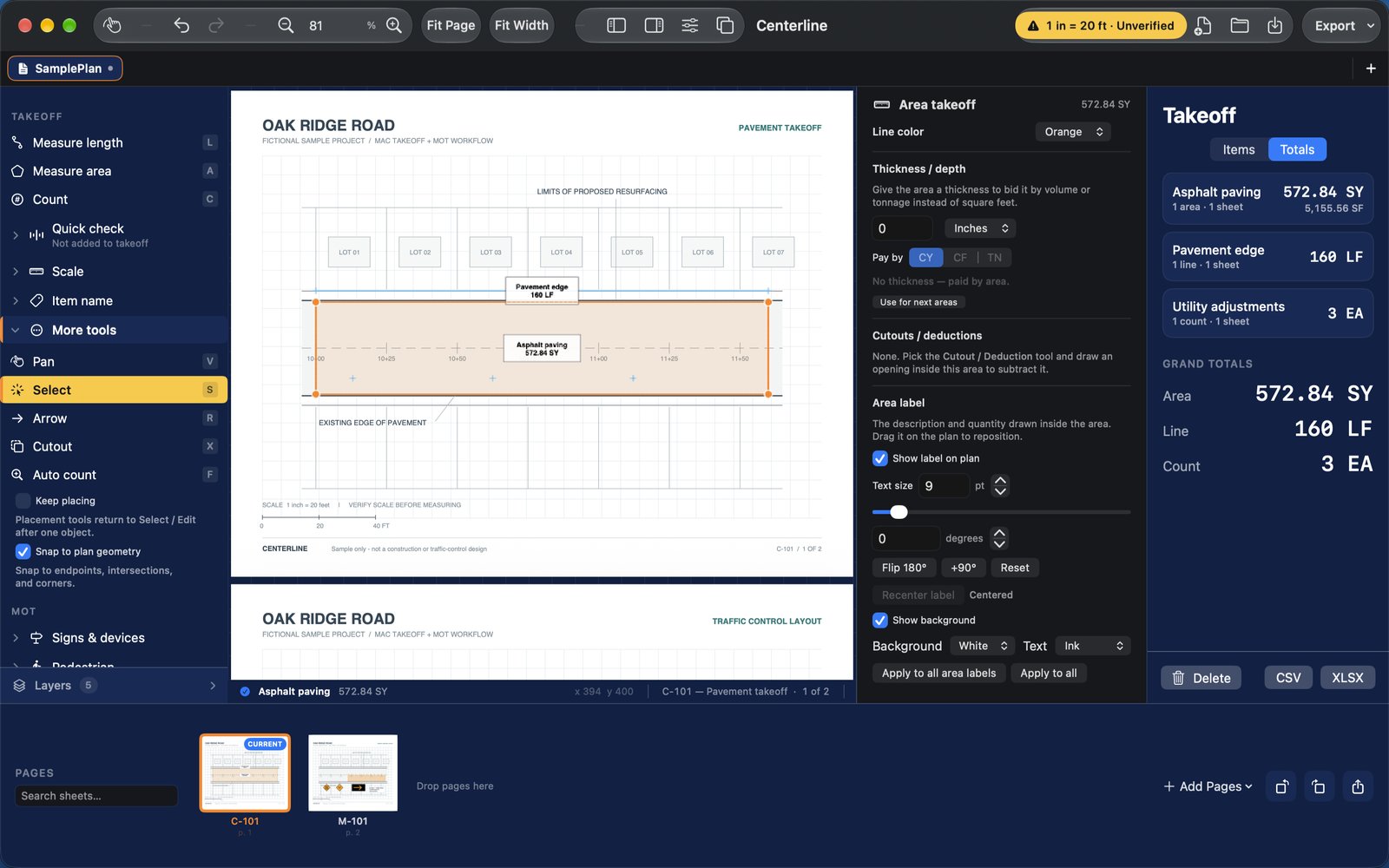
01 / MEASURE
Turn drawings into quantities.
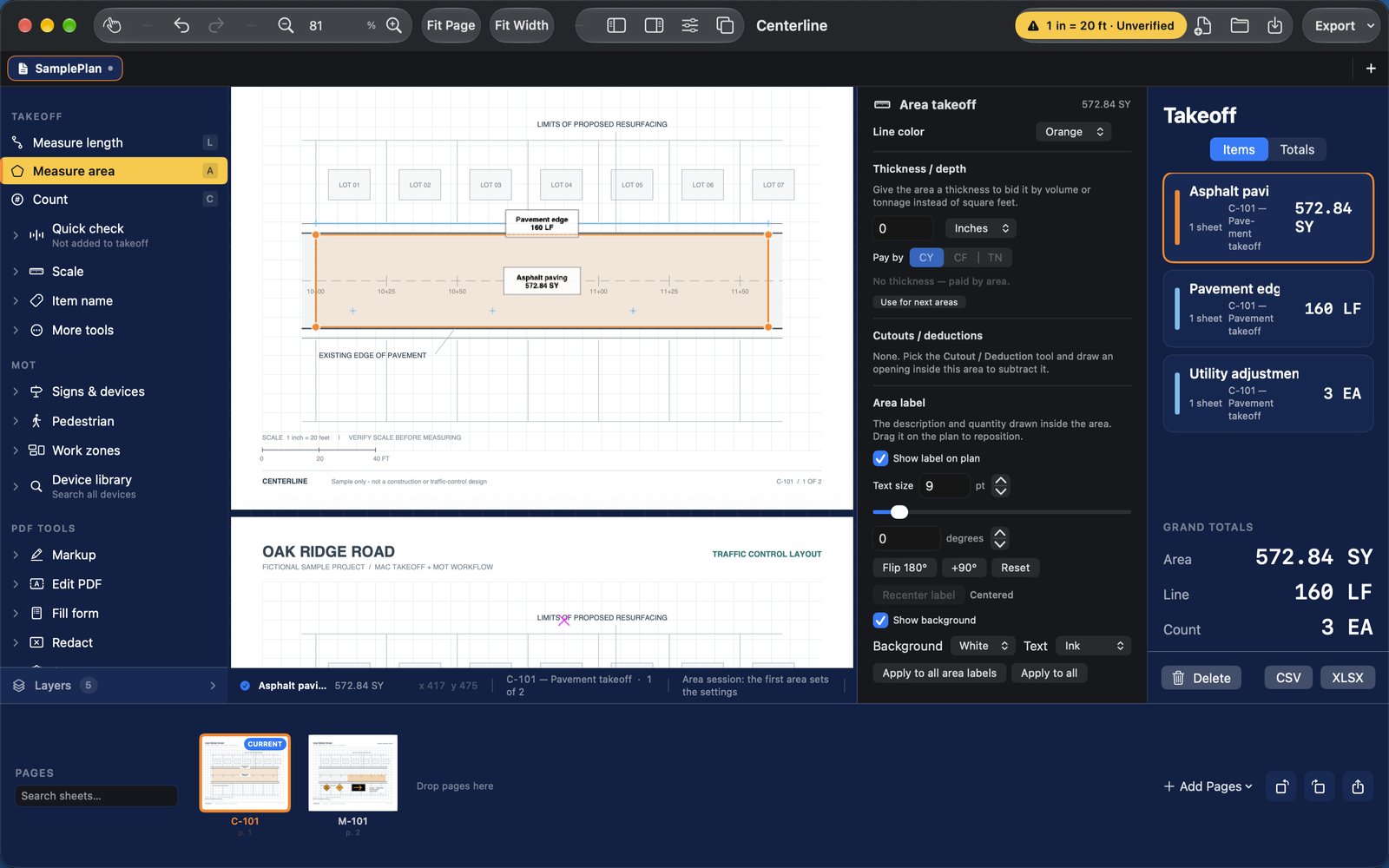
Calibrate against a known distance, then create linear, area, and count takeoffs. Save an editable project and export quantities or marked-up PDFs.
Construction takeoff · Maintenance of traffic
7-day free trial, then $9.99/month or $79.99/year
Measure quantities and draft maintenance-of-traffic (MOT) layouts in one Mac workspace, starting with your PDF plans.
Available now on the Mac App Store. Try it free for 7 days. Requires macOS 14 or newer.
Construction takeoff and maintenance-of-traffic (MOT) plan drafting for Mac.
Calibrate against a known distance, then create linear, area, and count takeoffs. Save an editable project and export quantities or marked-up PDFs.
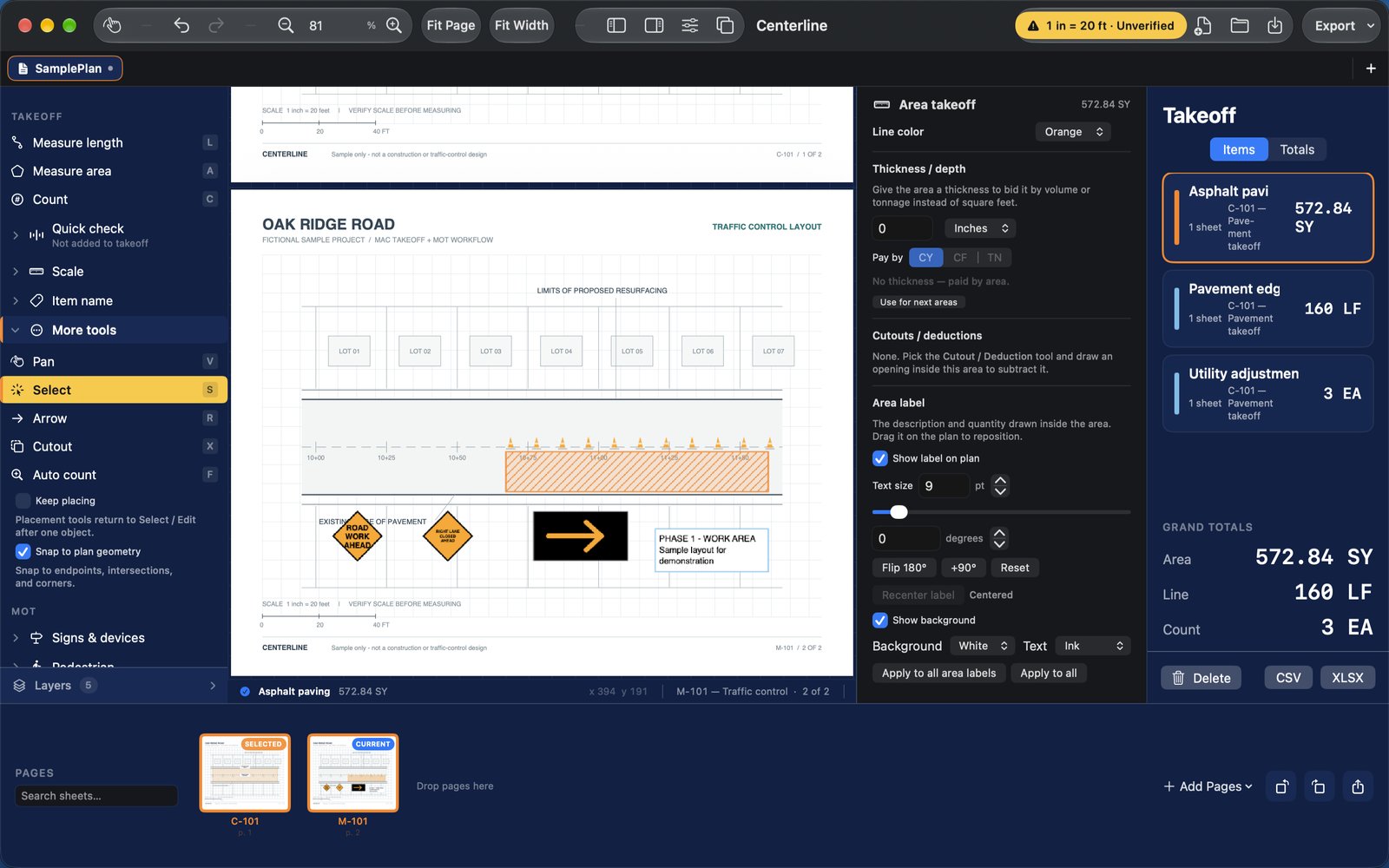
Place MOT and temporary traffic-control symbols (signs, cones, drums, barricades, arrow boards, pedestrian control), notes, and hatched work areas alongside your plans. Review each layout against the requirements of your project and reviewing authority.
Centerline is a Mac app for construction takeoff and maintenance-of-traffic plan drafting.
Turn drawings into quantities with linear, area, and count takeoffs.
Use the MOT / TTC Library to place traffic-control symbols and add notes or work areas.
Centerline does not automatically upload your plans. You choose which files to open, save, export, or share.
One set of tools. Two billing options. Free download.
7-day free trial, then $9.99/month. Both plans include the same takeoff and MOT tools.
7-day free trial, then $79.99/year. Billed upfront annually.

An active subscription is required to use the editor. U.S. App Store pricing; Apple displays the final price at purchase. The 7-day free trial applies to both plans and converts to the selected subscription unless canceled in your Apple Account at least 24 hours before the trial ends. Subscriptions renew automatically unless canceled through your Apple Account at least 24 hours before the end of the current period. Optional AI requires your own API account; cloud hosting is separate.
macOS 14.0 or later. Available on the Mac App Store.
Use Centerline > Subscription to restore purchases or manage your plan. Restore using the same Apple Account that made the purchase. Apple handles billing and cancellation; you can also manage or cancel through your Apple Account settings.
Save a Centerline project as well as any exported PDFs or reports. Canceling a subscription does not delete your local projects.
AI suggestions require your own Perplexity API credential and may incur separate charges. Cloud publishing requires a compatible server; hosted cloud service is separate.
Centerline is a drafting and measurement tool. Verify scales and quantities before use. MOT layouts and symbols require review against the applicable project and agency requirements; Centerline does not certify compliance or provide an engineering seal.